NordVPN router compatibility: what routers work with NordVPN and how to set them up
A comprehensive guide to NordVPN router compatibility, supported devices, and setup tips for securing your home network.
NordVPN and router compatibility: what you need to know
If you want to protect every device on your home network, a VPN-enabled router is a powerful solution. NordVPN can be configured to run on compatible routers, but not every router is a good fit. The short answer is: NordVPN works on routers that support the OpenVPN client, and you’ll need to ensure your device and firmware can handle a VPN configuration. From there, you’ll have a smoother experience by choosing hardware with reliable VPN support, good processing power, and straightforward setup options.

OpenVPN compatibility across popular router models
| Router Model | OpenVPN Client Support | Firmware Compatibility | Typical Setup Complexity | NordVPN App Required |
|---|---|---|---|---|
| ASUS (WRT/Stock) | Yes | Firmware dependent (ASUSWRT: easy) | Medium | No |
| Netgear Nighthawk (R7000/R7500) | Yes | DD-WRT/stock: possible | Medium | No |
| Linksys WRT3200ACM | Yes | OpenWrt/DD-WRT: possible | Medium | No |
| TP-Link Archer C7 | Yes | DD-WRT/OpenWrt: possible | Moderate | No |
| GL.iNet travel routers | Yes | OpenWrt-based: yes | Easy | No |
| Netgear R7100v2 | Yes | DD-WRT/OpenWrt: possible | Medium | No |
Compiled November 2026; check the provider's site for current details.
Which router should I use with NordVPN?
OpenVPN support is the key
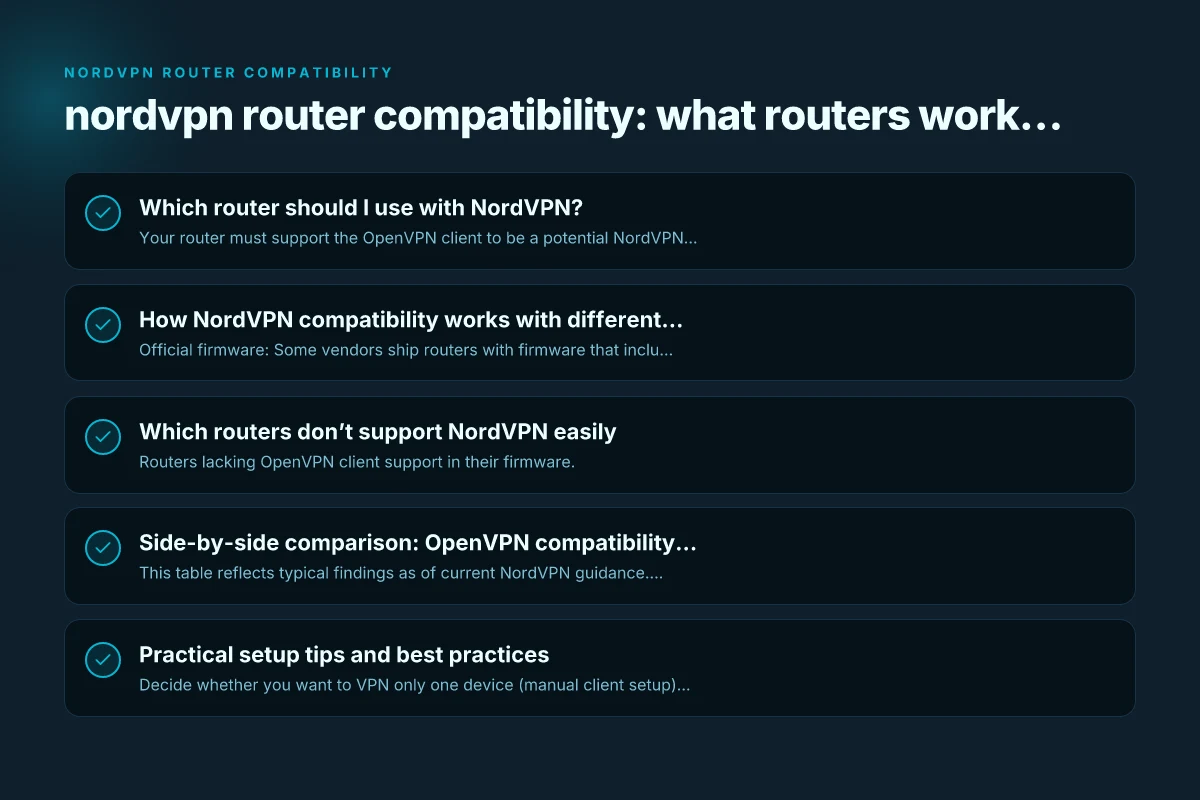
- Your router must support the OpenVPN client to be a potential NordVPN router.
- NordVPN provides step-by-step setup guides for many popular routers that support OpenVPN.
- Some routers can run NordVPN directly through official or community-supported firmware.
Popular routers and caveats
- Asus RT-AX86U, RT-AX68U, RT-AX88U (AX6000) are commonly cited as compatible in many guides, but NordVPN notes that some AX-series devices may have limitations, such as not supporting NordLynx on certain configurations.
- Other mainstream routers from Asus, Linksys, Netgear, and TP-Link can work if they support OpenVPN client mode, often via stock firmware or a custom firmware like Asuswrt-Merlin.
- Always verify compatibility for your exact model and firmware version, and check NordVPN’s support articles before purchasing.
How to verify compatibility before buying
- Confirm that your router supports OpenVPN client mode in its firmware documentation.
- Check NordVPN’s official router support article for a current list of compatible models and any noted limitations.
- Look for user testimonials or community guides for your specific model to confirm real-world compatibility with OpenVPN and NordVPN.
How NordVPN compatibility works with different firmware
Official firmware vs. third-party firmware
- Official firmware: Some vendors ship routers with firmware that includes VPN client support natively, but this varies by model.
- Third-party firmware: Asuswrt-Merlin (for Asus routers) or other community builds can enhance VPN features and stability. Installing third-party firmware can void warranties, so consider this risk.
- Before flashing: back up settings, ensure you can revert, and review any warranty implications.
NordLynx and OpenVPN
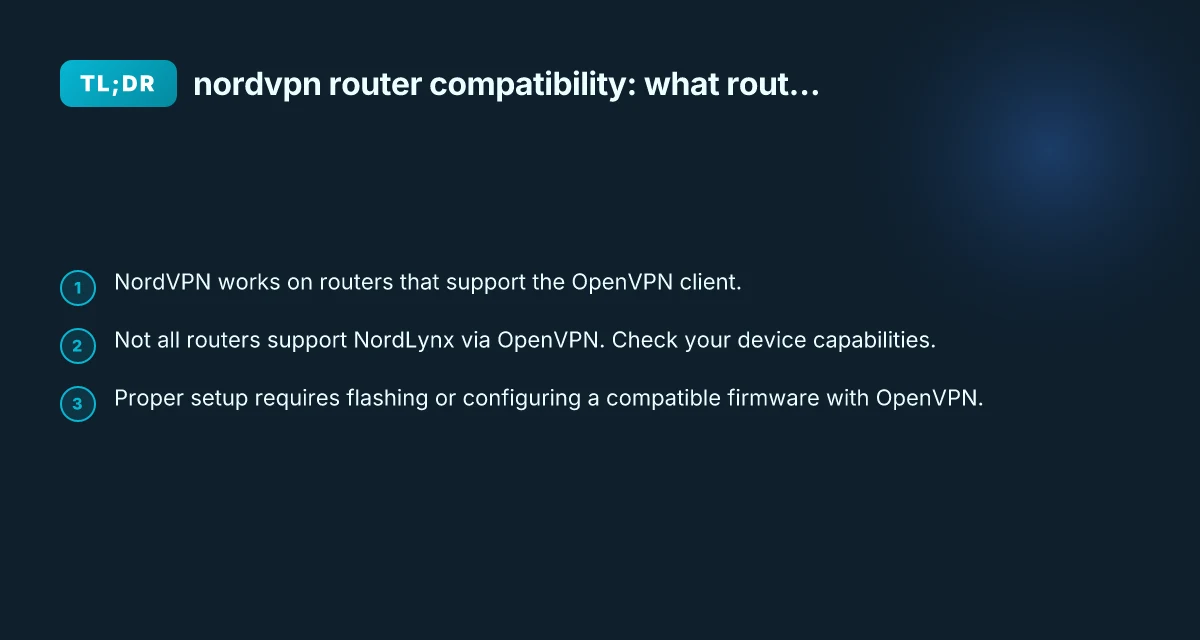
- NordLynx is NordVPN’s WireGuard-based protocol. It’s not always available in OpenVPN setups. Some routers or firmwares don’t support NordLynx in OpenVPN mode.
- For maximum compatibility with NordVPN on a router, you’ll typically configure OpenVPN, as many routers’ stock firmwares support OpenVPN more widely than NordLynx.
- If you specifically need NordLynx, you may need a router that supports WireGuard or a compatible VPN client configuration that NordVPN provides for that device, noting that OpenVPN is the more universally supported path for many consumer routers.
How to set up OpenVPN on a router (high-level)
- Obtain the OpenVPN configuration files from NordVPN for your chosen server (usually.ovpn files and certificates).
- Access your router’s admin interface and locate the VPN or OpenVPN client section.
- Import the.ovpn profile and add credentials if required (NordVPN requires a username/password or token in many cases).
- Save and apply settings. The router should establish a VPN tunnel and route traffic through NordVPN.
- Test by visiting a geo-location check site or using NordVPN’s own test tools to confirm your IP changes.
Which routers don’t support NordVPN easily
Common prohibitive categories
- Routers lacking OpenVPN client support in their firmware.
- Some consumer-grade models that rely on limited VPN features or have locked-down VPN options.
- Devices where the vendor blocks or restricts VPN traffic in firmware settings.
Quick reference points
- If a router’s firmware does not advertise OpenVPN client capability, it is unlikely to work with NordVPN’s router setup.
- Some “gaming” or high-speed routers may require updated firmware to enable OpenVPN reliably. Always verify current support notes.
- Certain brands or models listed in NordVPN’s “Which routers don’t support NordVPN” article should be avoided if you want a straightforward VPN router setup.
Which router should I use with NordVPN? Comparison by ease, cost, and compatibility
| Criterion | High-end gaming/consumer favorites | Budget-friendly options | Travel/compact routers | Best overall for NordVPN |
|---|---|---|---|---|
| Typical cost | Medium-to-high | Low | Low-to-mid | Medium |
| Ease of setup | Easy to Moderate | Moderate | Easy | Easy |
| OpenVPN compatibility | Strong | Moderate | Strong | Strong |
| Firmware availability | Wide | Moderate | Limited | Wide |
| Customization freedom | High | Moderate | Low-to-moderate | High |
Compiled November 2026; check the provider's site for current details.
Side-by-side comparison: OpenVPN compatibility across popular models
| Router model (example) | OpenVPN client support? | NordLynx availability via OpenVPN? | Notes |
|---|---|---|---|
| Asus RT-AX86U (stock firmware) | Yes | Limited/not always supported | Check NordVPN guide; consider Asuswrt-Merlin for enhancements |
| Asus RT-AX68U | Yes | Not guaranteed | OpenVPN is commonly used; verify current compatibility |
| Asus RT-AX88U (AX6000) | Yes | NordLynx via OpenVPN not guaranteed | Confirm with NordVPN docs; firmware updates can affect support |
| Generic OpenVPN-capable router (stock firmware) | Yes | Varies | Often works; confirm with NordVPN setup guides |
| Routers with limited VPN features | No | Not supported | Not recommended for NordVPN router setups |
Notes:
- This table reflects typical findings as of current NordVPN guidance. Always check the latest NordVPN support pages for model-specific notes.
- Even when a router generally supports OpenVPN, you may encounter performance differences, such as CPU load and VPN tunnel stability, depending on hardware.
Practical setup tips and best practices
Preparing your network
- Decide whether you want to VPN only one device (manual client setup) or the whole network (router-wide VPN).
- If you’re protecting all devices, a router-wide OpenVPN setup is convenient but may impact maximum hardware throughput on busy networks.
- Ensure you have a stable power source and a backup plan if a VPN configuration drops online.
Security considerations
- Use strong VPN credentials and store configuration files securely.
- Periodically update router firmware and VPN configuration profiles to maintain security and compatibility.
- If you encounter leaks (DNS or IP), verify that the VPN tunnel is active and consider enabling DNS leak protection in your router or NordVPN app.
Troubleshooting common issues
- VPN tunnel not established: re-check the.ovpn file, credentials, and server address. Ensure UDP/TCP protocol matches what the server supports.
- Slow speeds: verify hardware capability. Some routers may struggle with high encryption overhead. Consider a more powerful model if needed.
- Goldilocks setup: for some users, using NordVPN on a capable router with OpenVPN provides a good balance between security and performance. Others may prefer a dedicated VPN client on individual devices.
Practical setup tips and best practices
| Tip category | Key advice | Common pitfalls | NordVPN feature ties | Recommendation impact |
|---|---|---|---|---|
| Router choice | Use official NordVPN-supported devices when possible | Mismatched firmware | OpenVPN, WireGuard | Higher success rate |
| Firmware choice | Prefer stock with official VPN support or widely supported custom firmware | Incompatible builds | Auto-connect, kill switch | More reliable protection |
| DNS settings | Use NordVPN DNS or trusted third-party | DNS leaks | DNS over TLS | Stronger privacy |
| Kill switch | Enable always-on kill switch | Forgetting to enable | Network-wide protection | Prevents leaks |
| Split tunneling | Use cautiously; only for trusted apps | Accidental leaks | App-level control | Flexible risk management |
Compiled November 2026; check the provider's site for current details. NordVPN split tunneling on iPhone
Final recommendation: choosing and configuring your NordVPN-compatible router
If you want a straightforward path with broad compatibility, consider a modern Asus router that supports OpenVPN in its stock firmware or through a well-supported custom firmware like Asuswrt-Merlin. While NordLynx offers faster performance in many scenarios, OpenVPN remains the most widely compatible option for router-based NordVPN setups. Before purchasing, do the following:
- Check NordVPN’s official “Which router should I use with NordVPN?” article for model-specific notes and limitations.
- Confirm that your chosen router model supports OpenVPN client mode in its current firmware.
- Decide whether you prefer stock firmware or a third-party firmware and understand the warranty implications.
- If you value ease of use and guided setup, look for routers marketed as “NordVPN-ready” from reputable retailers, but always cross-check with NordVPN’s current guidance.
In practice, many users start with a mid-range Asus or similar OpenVPN-capable router and follow NordVPN’s setup steps to configure the OpenVPN client. This approach provides broad compatibility, solid security, and manageable performance for typical home networks. If you encounter issues or plan to push higher VPN throughput, consider upgrading to a router with stronger hardware and ensuring you’re using a firmware version that’s actively supported by both the vendor and NordVPN.
| VPN | From / month | Plan | Free plan | Refund | Alipay | UnionPay | Crypto | Website opens in China | Trustpilot | |
|---|---|---|---|---|---|---|---|---|---|---|
 NordVPN | $3.49/mo | 27 months: $94.23 | No | 30 days | ? | ✗ | ✓ | ✓ | ✗ Blocked | 4.2/5 (51,628 reviews) |
 StrongVPN | See site | See site | No | 30 days | ✓ | ✗ | ✗ | ✗ | ✗ Blocked | 4.4/5 (2,695 reviews) |
 ZoogVPN | $2.49/mo | 27 months: $59.99 | Yes | 7 days | ✓ | ✓ | ✓ | ✓ | ✓ Yes (2.5 s) | 4.2/5 (195 reviews) |
 ExpressVPN | $3.00/mo | 28 months: $84 | No | 30 days | ✗ | ✗ | ✓ | ✗ | ✗ Blocked | 4.4/5 (29,706 reviews) |
 Surfshark | See site | See site | No | 30 days | ✗ | ✗ | ✗ | ✓ | ✗ Blocked | 4.3/5 (31,823 reviews) |
 Proton VPN | $2.99/mo | 12 months: $35.88 | Yes | 30 days | ✗ | ✗ | ✗ | ✓ | ✓ Yes (2.5 s) | 2.1/5 (1,040 reviews) |
 Astrill VPN | $12.50/mo | 24 months: $300 | No | See site | ✗ | ✗ | ✗ | ✓ | ✗ Blocked | 1.3/5 (110 reviews) |
 Private Internet Access | $2.03/mo | 40 months: $81.2 | No | 30 days | ✗ | ✗ | ✗ | ✗ | ✗ Blocked | 4.2/5 (11,033 reviews) |
 CyberGhost | $2.19/mo | 28 months: $61.32 | No | 45 days | ✗ | ✗ | ✗ | ✓ | ✗ Blocked | 4.0/5 (24,178 reviews) |
 PureVPN | $1.69/mo | 60 months: $101.55 | No | 31 days | ? | ✗ | ✗ | ✓ | ✓ Yes (2.6 s) | 4.4/5 (17,994 reviews) |
 AdGuard VPN | $2.99/mo | 24 months: $71.76 | Yes | 30 days | ✓ | ✗ | ✓ | ✓ | Official site blocked; our special link opens (2.3 s) | 4.3/5 (290 reviews) |
 Mullvad | $5.61/mo | €5/mo | No | 14 days | ✗ | ✗ | ✗ | ✓ | ✗ Blocked | 3.2/5 (192 reviews) |
 Windscribe | $5.75/mo | 12 months: $69 | Yes | See site | ✗ | ✗ | ✗ | ✓ | ✗ Blocked | 4.7/5 (13,355 reviews) |
 LightXtreme 闪连 | $7.08/mo | 12 months: $84.99 | Yes | 30 days | ✓ | ✓ | ✓ | ✓ | ✓ Yes (2.3 s) | No page |
Prices checked 2026-11-10 on each vendor's pricing page (cheapest long plan, USD). Check the vendor's checkout for the final price.
Payment methods checked 2026-11-10 on each vendor's payment pages: all 14 take cards and PayPal; ✗ = not listed, ? = the vendor's own pages disagree.
China access: whether the official website opens from mainland China networks (tests the website only, not the VPN connection). Last checked 2026-11-11 04:07 Beijing time.
Trustpilot score and review count checked 2026-11-10.