Best VPN for opnsense

A practical guide to choosing and using the best VPN on OPNsense, covering OpenVPN, WireGuard, and IPsec with setup tips.
OPNsense is a versatile firewall platform that ships with multiple built-in VPN options. When people ask “what is the best VPN for OPNsense?”, the honest answer is: it depends on your use case. OpenVPN, WireGuard, and IPsec each have strengths. This article walks you through what to consider and how to pick the right VPN for your home or small business, with practical setup notes for OPNsense.

VPN options on OPNsense - feature comparison
| VPN Option | OpenVPN on OPNsense | WireGuard on OPNsense | IPsec on OPNsense |
|---|---|---|---|
| Core protocol | OpenVPN | WireGuard | IPsec |
| Performance | Moderate | High | Moderate-High |
| Complexity to set up | Moderate | Low | Moderate |
| Peer authentication | Certificate/ username | Public keys | Certificates/PSK |
| NAT traversal | Yes | Yes | Yes |
| Multipoint / site-to-site | Yes | Yes (with config) | Yes |
| Client support | Broad | Good | Broad |
| Mobile support | Good | Excellent | Good |
| Stability in typical home router | Stable | Very stable | Stable |
Compiled November 2026; check the provider's site for current details.
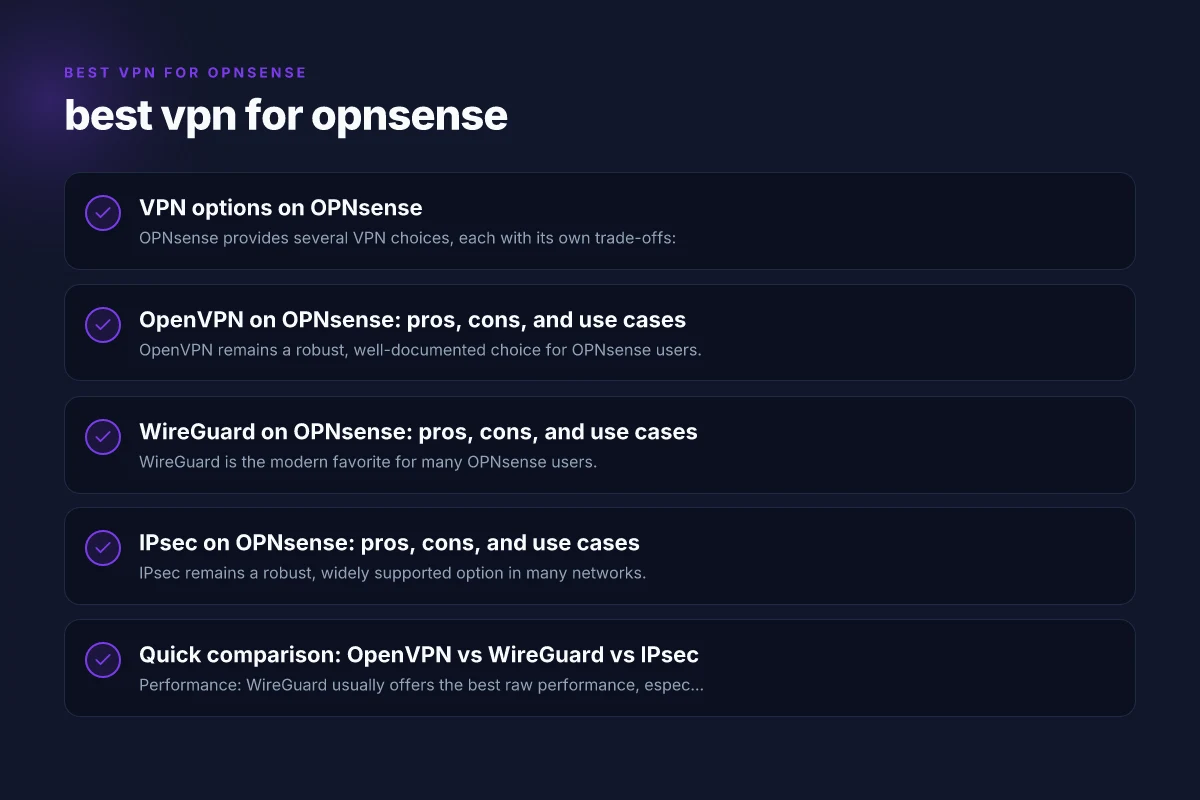
VPN options on OPNsense
OPNsense provides several VPN choices, each with its own trade-offs:
- OpenVPN: A long-standing, highly compatible VPN protocol. Great for cross-platform support and for older clients.
- WireGuard: A modern, fast VPN protocol that is simple to configure and easy on resources. Ideal for speed and ease of management.
- IPsec (IKEv2/L2TP or strongSwan): Enterprise-grade, widely supported across devices and ecosystems. Works well in mixed environments.
- Sometimes you’ll see guides that use VPN services (e.g., OpenVPN clients provided by VPN providers) via OPNsense. This is useful if you want a specific provider’s network or features.
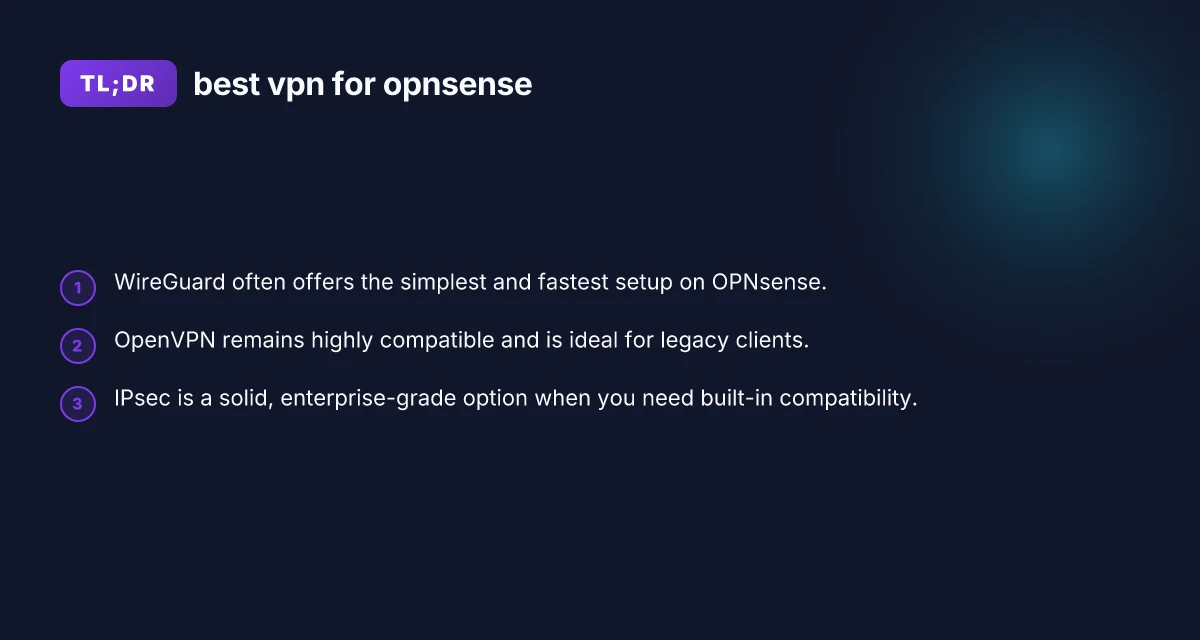
In practice, many users start with WireGuard for everyday remote access and use OpenVPN or IPsec for compatibility or specific scenarios.
OpenVPN on OPNsense: pros, cons, and use cases
OpenVPN remains a robust, well-documented choice for OPNsense users.
- Pros
- Broad client support across Windows, macOS, Linux, iOS, and Android.
- Mature community and extensive documentation.
- Flexible authentication options (certificates, username/password, and plugin services).
- Cons
- Slightly more overhead than WireGuard, which can affect throughput on busy links.
- Configuration can be more involved, especially when dealing with client certificates and external auth.
- Best use cases
- Mixed-device environments where some clients are older or require OpenVPN-compatible configurations.
- Scenarios needing extensive authentication options or advanced TLS features.
- Quick setup tips
- Use TLS-auth and certificate-based authentication for stronger security.
- Consider placing clients behind a centralized user directory, if desired.
OpenVPN is often the go-to for compatibility and enterprise-style access. If your clients include older devices or you rely on provider features that integrate with OpenVPN, this is a solid choice.
WireGuard on OPNsense: pros, cons, and use cases
WireGuard is the modern favorite for many OPNsense users. How to turn off a VPN on Xbox Microsoft Edge
- Pros
- Simpler configuration and significantly faster performance in many setups.
- Lower cryptographic handshake overhead, leading to lower latency.
- Easier key management with a lightweight configuration model.
- Cons
- Some users report more manual IP management on larger, multi-subnet setups.
- External authentication options are fewer out of the box compared to OpenVPN.
- Best use cases
- Remote access for a small number of devices where speed and simplicity matter.
- Environments where you want to minimize CPU and memory usage on the firewall.
- Quick setup tips
- Use persistent keepalives to maintain stable connections through NAT.
- Maintain a clear IP addressing plan to avoid subnet conflicts.
- Consider using a dedicated WireGuard interface in OPNsense to isolate mobile or remote clients.
WireGuard shines when you want a clean, fast VPN with straightforward keys. It’s often the recommended starting point for new OPNsense deployments.
IPsec on OPNsense: pros, cons, and use cases
IPsec remains a robust, widely supported option in many networks.
- Pros
- Excellent cross-compatibility with enterprise devices and many vendor ecosystems.
- Strong security options with modern algorithms and perfect forward secrecy.
- Good for site-to-site connections in addition to remote access.
- Cons
- Configuration can be more intricate, especially for remote access with multiple subnets.
- Some platforms require additional steps or certificates for ease of use.
- Best use cases
- Site-to-site VPNs between office networks.
- Mixed environments where devices range from consumer-grade to enterprise-grade.
- Quick setup tips
- Use IKEv2 with EAP or certificates where possible for robust authentication.
- Keep firewall rules and phase 2 selectors tightly scoped to reduce exposure.
IPsec is a dependable choice when you need broad compatibility and robust site-to-site capabilities.
OpenVPN on OPNsense - pros, cons, and use cases
| Item | Pros | Cons | Use cases |
|---|---|---|---|
| Security model | Strong, mature crypto | Setup can be verbose | Enterprise-grade remote access |
| Throughput | Reliable under load | Lower than WireGuard | Remote clients with strict requirements |
| Compatibility | Broad client support | More CPU overhead | Mixed OS clients (Windows, macOS, Linux) |
| Configuration | Flexible, granular | Manual cert management | Custom VPN policies |
| Use case fit | Remote access, site-to-site | Older devices may struggle | Small-to-medium teams needing reliability |
Compiled November 2026; check the provider's site for current details. Best VPN for Linux mint
Quick comparison: OpenVPN vs WireGuard vs IPsec
| VPN type | Typical setup complexity | Performance | Compatibility | Ideal for |
|---|---|---|---|---|
| OpenVPN | Moderate to high | Moderate | Very high | Mixed-device environments; legacy clients |
| WireGuard | Low to moderate | High | Moderate to high | Simple remote access; speed-focused setups |
| IPsec | Moderate to high | Moderate | Very high | Site-to-site and diverse device ecosystems |
- Performance: WireGuard usually offers the best raw performance, especially on modern hardware.
- Compatibility: OpenVPN and IPsec have the broadest compatibility, while WireGuard adoption is rapidly growing but can require more manual handling on unusual devices.
- Complexity: WireGuard tends to be the simplest; OpenVPN sits in the middle; IPsec can be the most complex to deploy at scale.
How to choose the best VPN for your OPNsense setup
To pick the right VPN for your needs, consider these questions:
- How many clients will connect remotely? If small and you want simplicity, WireGuard is appealing. For many devices and complex access rules, OpenVPN or IPsec might be better.
- Do you need site-to-site connections? IPsec is often the strongest candidate for site-to-site VPNs due to its enterprise readiness and compatibility.
- What devices will connect? If you have older devices that don’t support WireGuard well, OpenVPN or IPsec may be safer choices.
- What level of security and authentication do you require? OpenVPN and IPsec offer robust authentication options; WireGuard is simpler but strong in practice with proper key management.
- Do you need external authentication integrations? OpenVPN lends itself to external authentication providers; WireGuard is simpler but can be paired with identity management when designed carefully.
If you’re new to OPNsense or want a fast, reliable remote access experience with minimal fuss, start with WireGuard. It’s fast, easy to configure, and well-supported in current OPNsense builds. If you encounter client compatibility hurdles or you need more granular authentication controls, consider OpenVPN. For enterprise-grade, long-running site-to-site connections, IPsec remains a strong choice.
A practical setup path for a typical home or small office
Here is a straightforward path many users follow:
- Step 1: Decide on the VPN type
- Start with WireGuard for remote access to a small set of devices.
- Use OpenVPN if you require broad client compatibility, external authentication, or specific provider integrations.
- Pick IPsec if you need robust site-to-site connections with diverse devices.
- Step 2: Prepare your OPNsense environment
- Ensure your firmware is current (OPNsense regularly updates VPN components).
- Create a dedicated VPN interface (e.g., wg0 for WireGuard, tun0 for OpenVPN, or ipsec for IPsec).
- Configure a clear addressing plan and firewall rules to minimize exposure.
- Step 3: Configure authentication
- WireGuard: generate keys, define peers, and set allowed IPs.
- OpenVPN: set up server certificates, TLS-auth, and user authentication if desired.
- IPsec: configure IKEv2 or 3DES/ AES approvals with appropriate authentication (certificates or EAP-based methods).
- Step 4: Client setup and testing
- Install the client on a mobile device or laptop.
- Verify connectivity, latency, and route behavior (split tunneling vs full tunnel).
- Test automatic reconnect and kill-switch behavior to ensure security.
- Step 5: Monitoring and maintenance
- Regularly review logs for failed connections or misconfigurations.
- Rotate keys or certificates on a schedule that fits your security policy.
- Keep the OPNsense system and plugins up to date.
WireGuard on OPNsense - pros, cons, and use cases
| Item | Pros | Cons | Use cases |
|---|---|---|---|
| Performance | Very fast, low overhead | Newer, some features missing | Home/small office, mobile users |
| Setup complexity | Simple to configure | Fewer advanced options | Quick secure access for remote workers |
| Compatibility | Broad OS support | Some enterprise features missing | Lightweight VPN needs |
| Security | Modern crypto, simple keys | Rotation/revocation management | High-speed VPN for frequent clients |
| Use case fit | Zero-configuration style | Limited IPv6 DNS options | Fast site-to-site or client VPNs |
Compiled November 2026; check the provider's site for current details. Which NordVPN subscription plan is right for you
Practical considerations and common questions
- Can I use a VPN with OPNsense?
- Yes. OPNsense supports OpenVPN, WireGuard, and IPsec, enabling both remote access and site-to-site VPNs.
- Can the FBI see through VPNs?
- A VPN hides your traffic from your ISP and local observers, but it does not make you anonymous to the VPN provider or the server you’re communicating with. Legal and policy considerations apply.
- Which firewall is better in 2026, OPNsense or pfSense?
- Both are strong, open-source firewall distributions. Your choice depends on features, hardware, and ecosystem familiarity. OPNsense emphasizes a modern UI and frequent updates. PfSense has a large plugin ecosystem and a long track record.
- Is WireGuard as good as OpenVPN?
- WireGuard generally offers better performance and simpler configuration, but OpenVPN provides broader compatibility and mature authentication options. Your needs will determine the best fit.
Final section: recommendation
For most modern OPNsense deployments, start with WireGuard for remote access. It delivers speed, simplicity, and a lean configuration model that works well for laptops and mobile devices. If you need broader device compatibility or more advanced authentication options, add OpenVPN or IPsec as complementary VPNs. In mixed environments, you might run WireGuard for day-to-day remote access and reserve OpenVPN or IPsec for specific devices or site-to-site connections. By aligning your VPN choice to your devices, performance needs, and management style, you’ll get secure, reliable remote access with minimal everyday friction.
| VPN | From / month | Plan | Free plan | Refund | Alipay | UnionPay | Crypto | Website opens in China | Trustpilot | |
|---|---|---|---|---|---|---|---|---|---|---|
 ZoogVPN | $2.49/mo | 27 months: $59.99 | Yes | 7 days | ✓ | ✓ | ✓ | ✓ | ✓ Yes (2.5 s) | 4.2/5 (195 reviews) |
 NordVPN | $3.49/mo | 27 months: $94.23 | No | 30 days | ? | ✗ | ✓ | ✓ | ✗ Blocked | 4.2/5 (51,628 reviews) |
 ExpressVPN | $3.00/mo | 28 months: $84 | No | 30 days | ✗ | ✗ | ✓ | ✗ | ✗ Blocked | 4.4/5 (29,706 reviews) |
 Surfshark | See site | See site | No | 30 days | ✗ | ✗ | ✗ | ✓ | ✗ Blocked | 4.3/5 (31,823 reviews) |
 Proton VPN | $2.99/mo | 12 months: $35.88 | Yes | 30 days | ✗ | ✗ | ✗ | ✓ | ✓ Yes (2.5 s) | 2.1/5 (1,040 reviews) |
 Astrill VPN | $12.50/mo | 24 months: $300 | No | See site | ✗ | ✗ | ✗ | ✓ | ✗ Blocked | 1.3/5 (110 reviews) |
 Private Internet Access | $2.03/mo | 40 months: $81.2 | No | 30 days | ✗ | ✗ | ✗ | ✗ | ✗ Blocked | 4.2/5 (11,033 reviews) |
 CyberGhost | $2.19/mo | 28 months: $61.32 | No | 45 days | ✗ | ✗ | ✗ | ✓ | ✗ Blocked | 4.0/5 (24,178 reviews) |
 PureVPN | $1.69/mo | 60 months: $101.55 | No | 31 days | ? | ✗ | ✗ | ✓ | ✓ Yes (2.6 s) | 4.4/5 (17,994 reviews) |
 AdGuard VPN | $2.99/mo | 24 months: $71.76 | Yes | 30 days | ✓ | ✗ | ✓ | ✓ | Official site blocked; our special link opens (2.3 s) | 4.3/5 (290 reviews) |
 Mullvad | $5.61/mo | €5/mo | No | 14 days | ✗ | ✗ | ✗ | ✓ | ✗ Blocked | 3.2/5 (192 reviews) |
 Windscribe | $5.75/mo | 12 months: $69 | Yes | See site | ✗ | ✗ | ✗ | ✓ | ✗ Blocked | 4.7/5 (13,355 reviews) |
 StrongVPN | See site | See site | No | 30 days | ✓ | ✗ | ✗ | ✗ | ✗ Blocked | 4.4/5 (2,695 reviews) |
 LightXtreme 闪连 | $7.08/mo | 12 months: $84.99 | Yes | 30 days | ✓ | ✓ | ✓ | ✓ | ✓ Yes (2.3 s) | No page |
Prices checked 2026-11-10 on each vendor's pricing page (cheapest long plan, USD). Check the vendor's checkout for the final price.
Payment methods checked 2026-11-10 on each vendor's payment pages: all 14 take cards and PayPal; ✗ = not listed, ? = the vendor's own pages disagree.
China access: whether the official website opens from mainland China networks (tests the website only, not the VPN connection). Last checked 2026-11-11 04:07 Beijing time.
Trustpilot score and review count checked 2026-11-10.